Starlink Mini Mount: Roof, Interior & Pole Options (2026)
How to mount a Starlink Mini on a car, van, RV or boat: magnets vs suction vs VHB vs bolts, roof vs interior, and what to check before you drive.
Updated October 27, 2026 · By the SatPicker team
In short
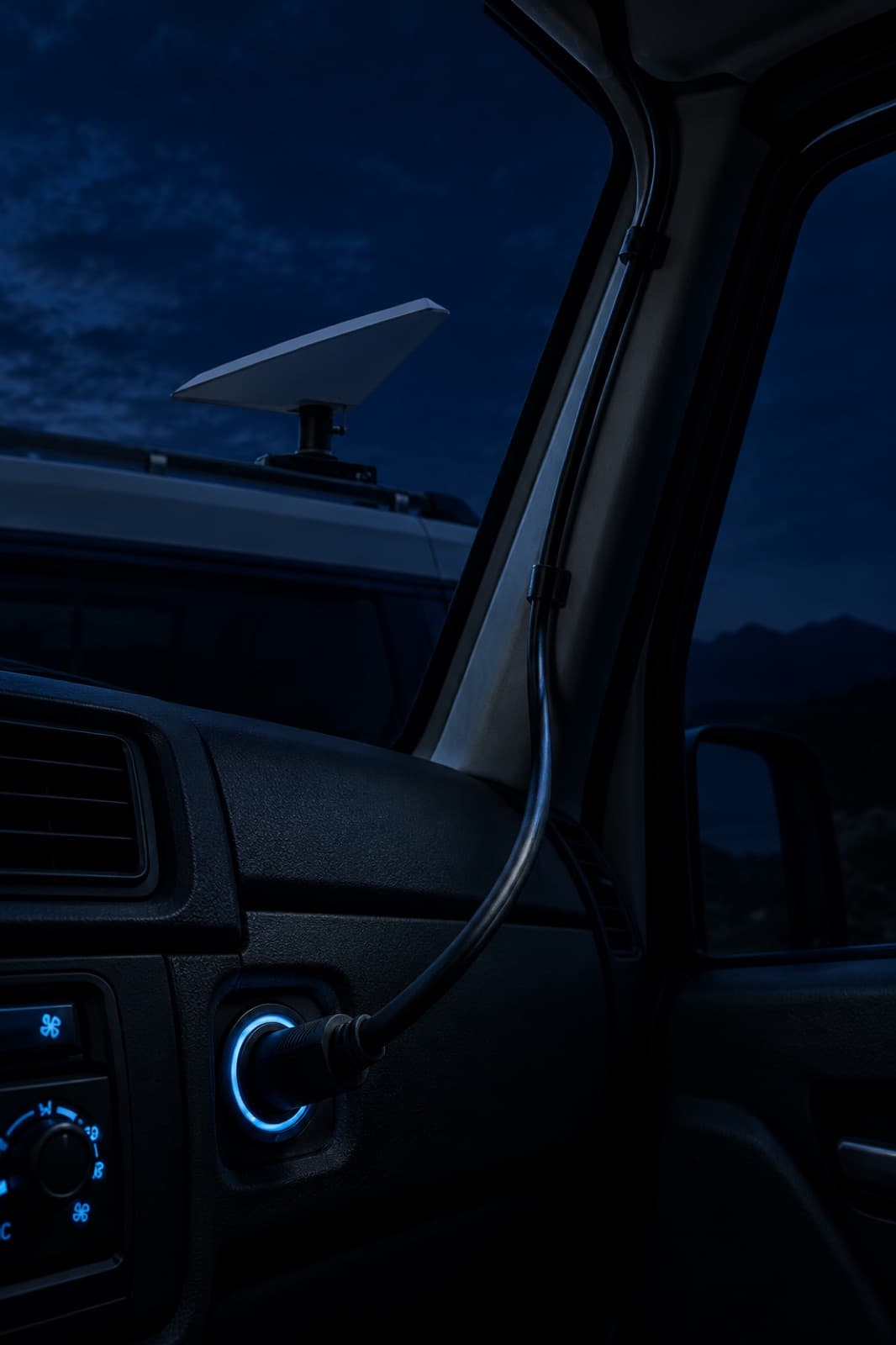
The Mini ships with a kickstand, which is perfect on a picnic table and useless on a moving van. Once you travel with it, you need it fixed somewhere with a clear view of the sky, secured against wind, and wired to power without a cable dangling through a door seal.
Start with your roof material
The surface decides the attachment far more than the mount itself:
| Roof | Best attachment | Removable? | Watch out for |
|---|---|---|---|
| Steel (most cars, pickups, many vans) | Rubber-coated magnets | Yes, in seconds | Clean the paint first; grit under a magnet scratches |
| Aluminum or fiberglass (many RVs, trailers, boats) | VHB adhesive pads or suction cups | Suction: yes · VHB: no | Magnets won't stick; VHB needs a clean, dry, warm surface |
| Glass (sunroof, rear window, windshield) | Suction cups | Yes | Check suction before every drive |
| Roof rack, ladder or deck rail | Bolts or clamps | Semi-permanent | Use stainless hardware on boats |
| Curved roof | Any of the above with adjustable legs | Depends | Flat frames rock on curves unless the feet adapt |
Roof, interior or pole?
Roof mount: best signal
A roof gives the Mini the widest view of the sky, which is what keeps the connection steady. A low-profile frame also keeps the dish out of the wind and below most parking-garage clearances. This is the right choice if you drive with it often.
Interior mount: no changes to the vehicle
If you rent, lease or simply don't want anything on the roof, an interior mount holds the Mini behind a window or under a sunroof. You trade some signal for zero modifications. Metal roofs and coated glass block part of the sky, so test it where you actually travel before relying on it.
Pole mount: fixed spot at camp
For a campsite, a cabin or a boat, a pole lifts the dish above trees, people and the vehicle itself. Pole mounts are usually built for the Standard dish; for the Mini, a frame on a rail or deck often does the same job.
What to check on any mount
- Dish face fully exposed. Nothing should shade the front of the dish or sit between it and the sky.
- Airflow around the back. The Mini makes heat; a mount that seals it against the roof runs it hotter.
- Speed rating from the maker. If you drive with the dish on, look for a stated highway-speed test, and re-check attachments after the first long drive.
- Snow and water. The Mini is rated IP67, but water pooling under a flat frame or ice around magnets weakens the hold.
- Cable route. Plan where the power cable enters the vehicle before you fix the mount. A pinched cable in a door seal is the most common failure.
Powering a mounted Mini
Once the dish lives on the roof, run it straight from 12 V instead of an inverter. Starlink rates the Mini's input at 12–48 V, 60 W: use a heavy enough cable so the voltage at the dish stays well above 12 V on long runs. Full details, fuse sizing and the causes of reboots are in our Starlink Mini 12 V guide, and our RV setup guide covers the whole install.
The mounts we'd look at first
We list the products below from the maker's published specs and prices, checked October 27, 2026. We haven't tested them ourselves, and we may earn a commission if you buy through these links, at no extra cost to you. Base prices are for the mount alone; magnets, suction cups and bolts are extra options on the maker's page. More in our gear page.
TRIO
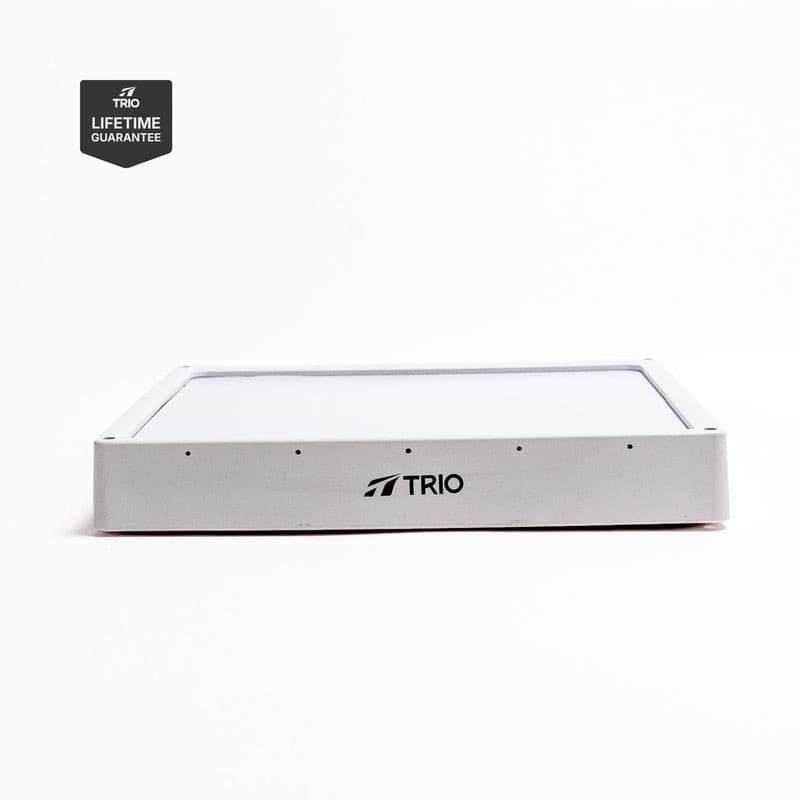
Mini Speedmount
1.8 in tall, the lowest-profile roof mount we found for the Mini. No drilling; the base price is the mount alone, magnets or bolts cost extra.
- Fits
- Mini
- Height
- 1.8 in
- Tested to
- 120 mph
- Drilling
- none
from$150base price, checked
Check price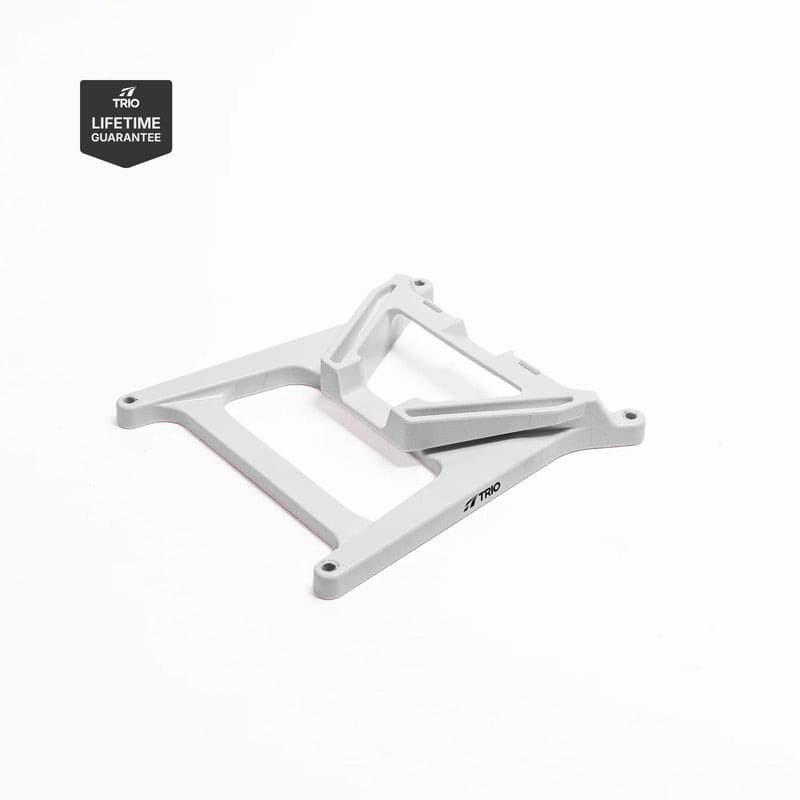
TRIO
Mini Flatmount
Click-in frame in UV-resistant ASA for vans, RVs, boats, even a backpack. Curved roofs may need the swivel leg adapters.
- Fits
- Mini
- Material
- ASA
- Attach
- magnets, bolts, VHB, suction
from$100base price, checked
Check price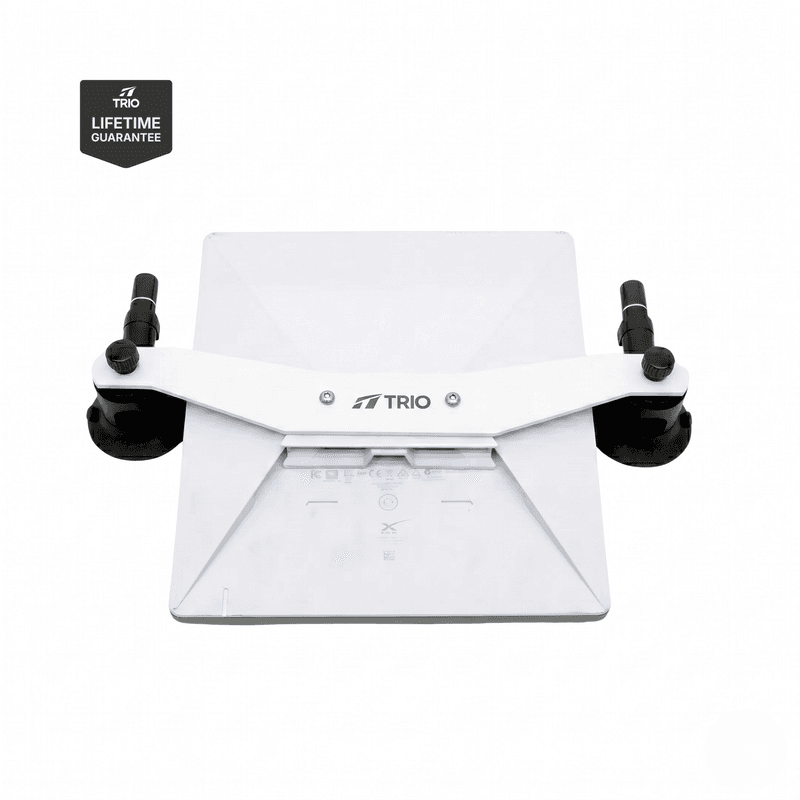
TRIO
Mini Interior Mount
Holds the Mini inside the vehicle on suction cups, behind glass or a sunroof, with no permanent changes.
- Fits
- Mini
- Placement
- inside vehicle
- Attach
- suction or magnets
from$125base price, checked
Check price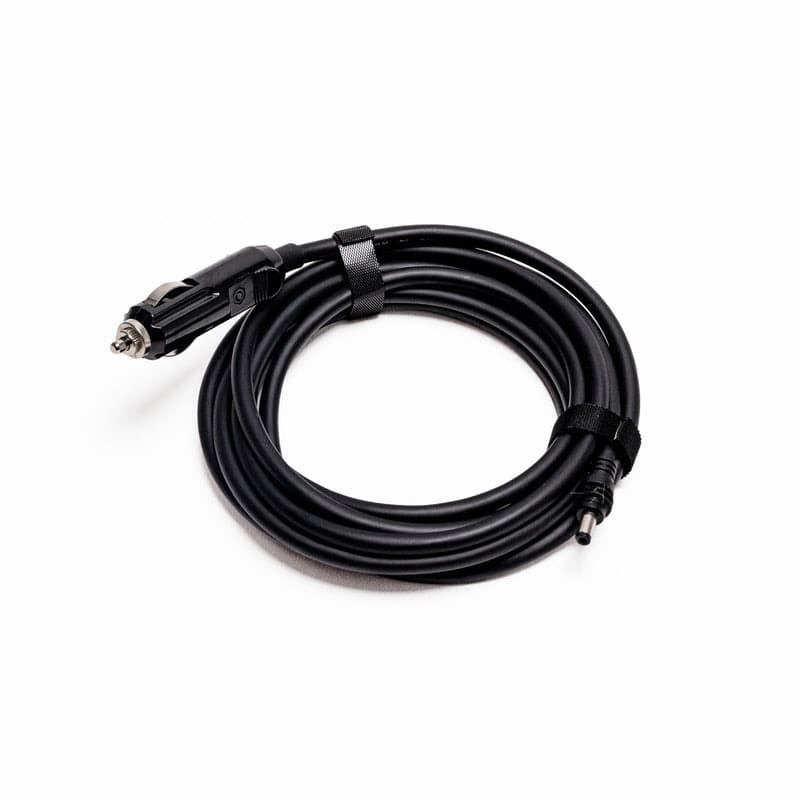
TRIO
Mini 12V DC Power Cable
Runs the Mini straight off a 12–48 V battery with heavy 14 AWG wire, so no inverter and less voltage drop on long runs.
- Fits
- Mini
- Wire
- 14 AWG
- Input
- 12–48 V DC
- Length
- 10 or 15 ft
from$25base price, checked
Check priceFrequently asked questions
Can I mount a Starlink Mini on my car roof without drilling?
Yes. Magnetic and suction-cup mounts hold the Mini on a roof with no holes, and VHB adhesive pads give a permanent bond without drilling. Magnets need a steel roof; aluminum, fiberglass and many RV roofs need suction cups, adhesive pads or bolts instead.
Can the Starlink Mini work from inside a car?
It can connect through glass, but metal roofs, tinted or coated windshields and the car's pillars block part of the sky, so expect a weaker or less stable connection than on the roof. A sunroof or a large rear window gives the best interior results.
Is it legal to use Starlink while driving?
In-motion use depends on your Starlink plan's terms, and the driver should never operate the app while driving. Check your plan's in-motion rules and make sure the mount is secured for highway speeds before you move.
Does a mount affect the Starlink Mini's performance?
A good mount leaves the dish face uncovered and lets air move around it. Avoid anything that shades the face or traps heat, and keep the dish level or facing open sky away from tall obstructions.
How do I power a roof-mounted Starlink Mini?
Run a DC cable from your 12 V system to the dish. Starlink rates the Mini's input at 12–48 V, 60 W, so use a heavy enough cable to limit voltage drop on long runs. Our 12 V guide covers cables, fuses and the mistakes that cause reboots.
Free tool
Starlink Mini battery & solar calculator
Mounted on the roof and wired to 12 V? See how many hours your battery keeps it online.
SatPicker is independent and not affiliated with SpaceX or Starlink. Specs come from Starlink's official specification sheets; prices are dated and can change — your Starlink checkout is the final word.